
Phone: 715-623-3724 [email protected]
Print, scan, fax, public computers, and tech support. Services available at the Antigo Public Library
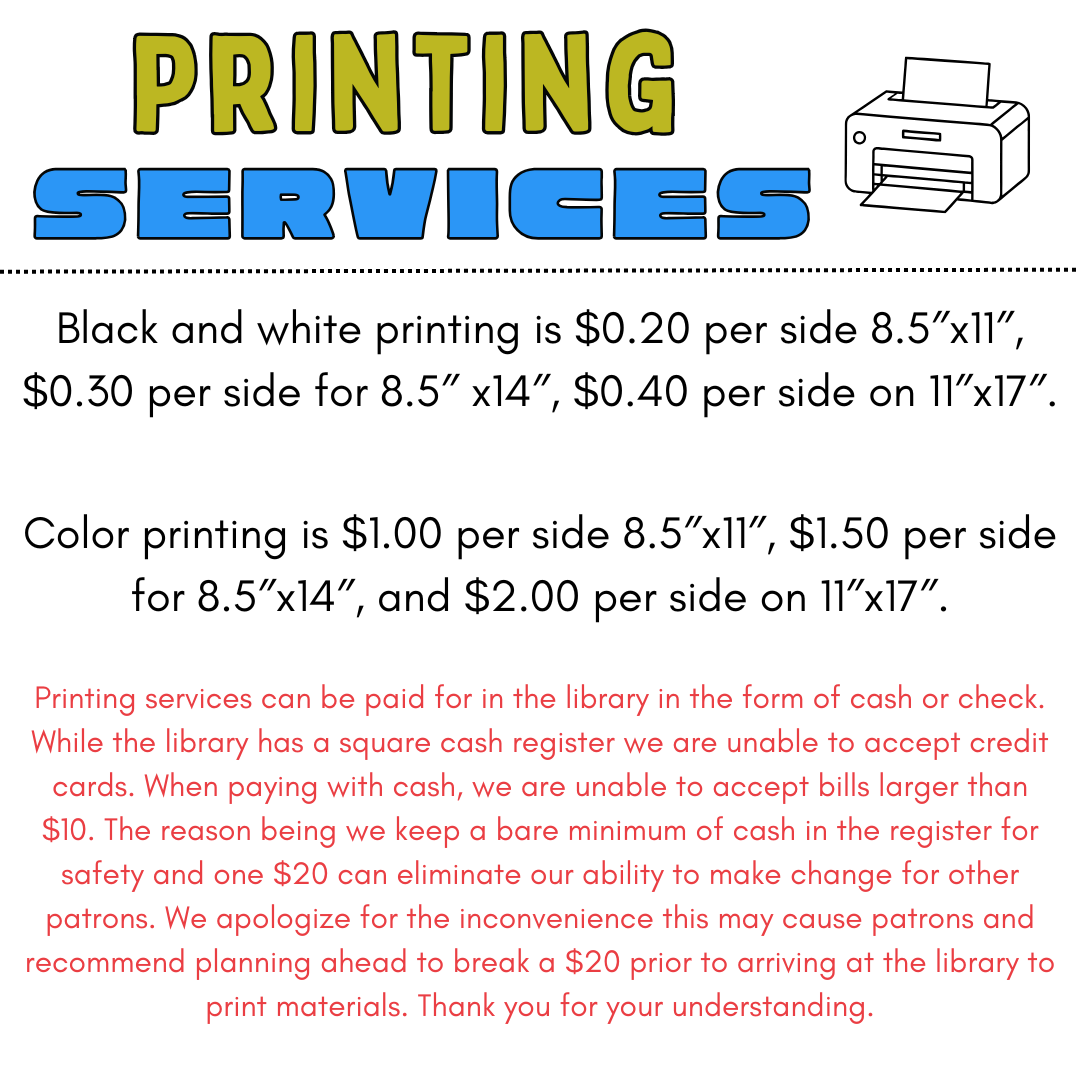
Black and white printing is $0.20 per side 8.5″x11″, $0.30 per side for 8.5″ x14″, $0.40 per side on 11″x17″. Color printing is $1.00 per side 8.5″x11″, $1.50 per side for 8.5″x14″, and $2.00 per side on 11″x17″. Printing services can be paid for in the library in the form of cash or check. While the library has a square cash register we are unable to accept credit cards. When paying with cash, we are unable to accept bills larger than $10. The reason being we keep a bare minimum of cash in the register for safety and one $20 can eliminate our ability to make change for other patrons. We apologize for the inconvenience this may cause patrons and recommend planning ahead to break a $20 prior to arriving at the library to print materials. Thank you for your understanding.
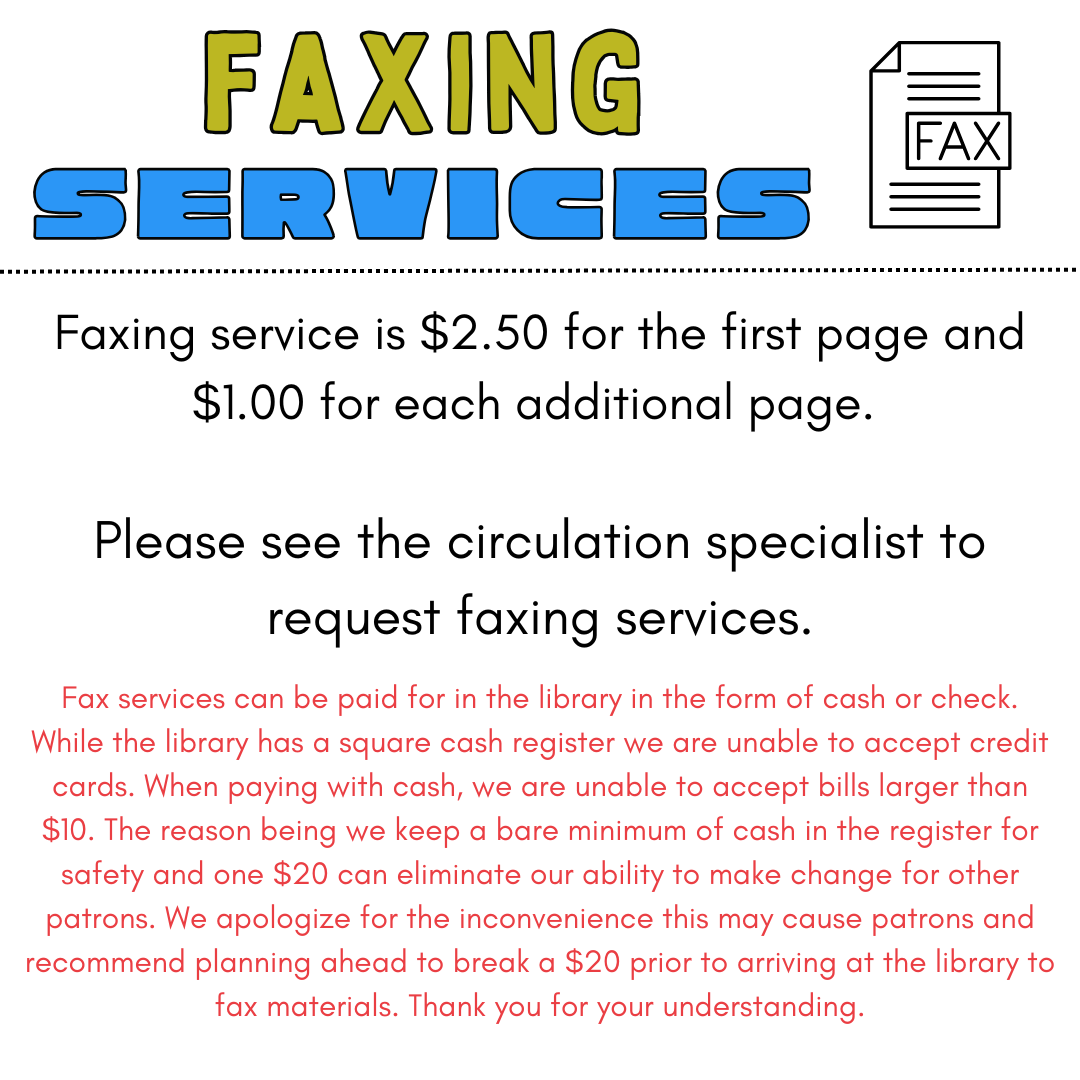
Faxing service is $2.50 for the first page and $1.00 for each additional page. Faxing service is $2.50 for the first page and $1.00 for each additional page. Fax services can be paid for in the library in the form of cash or check. While the library has a square cash register we are unable to accept credit cards. When paying with cash, we are unable to accept bills larger than $10. The reason being we keep a bare minimum of cash in the register for safety and one $20 can eliminate our ability to make change for other patrons. We apologize for the inconvenience this may cause patrons and recommend planning ahead to break a $20 prior to arriving at the library to fax materials. Thank you for your understanding.
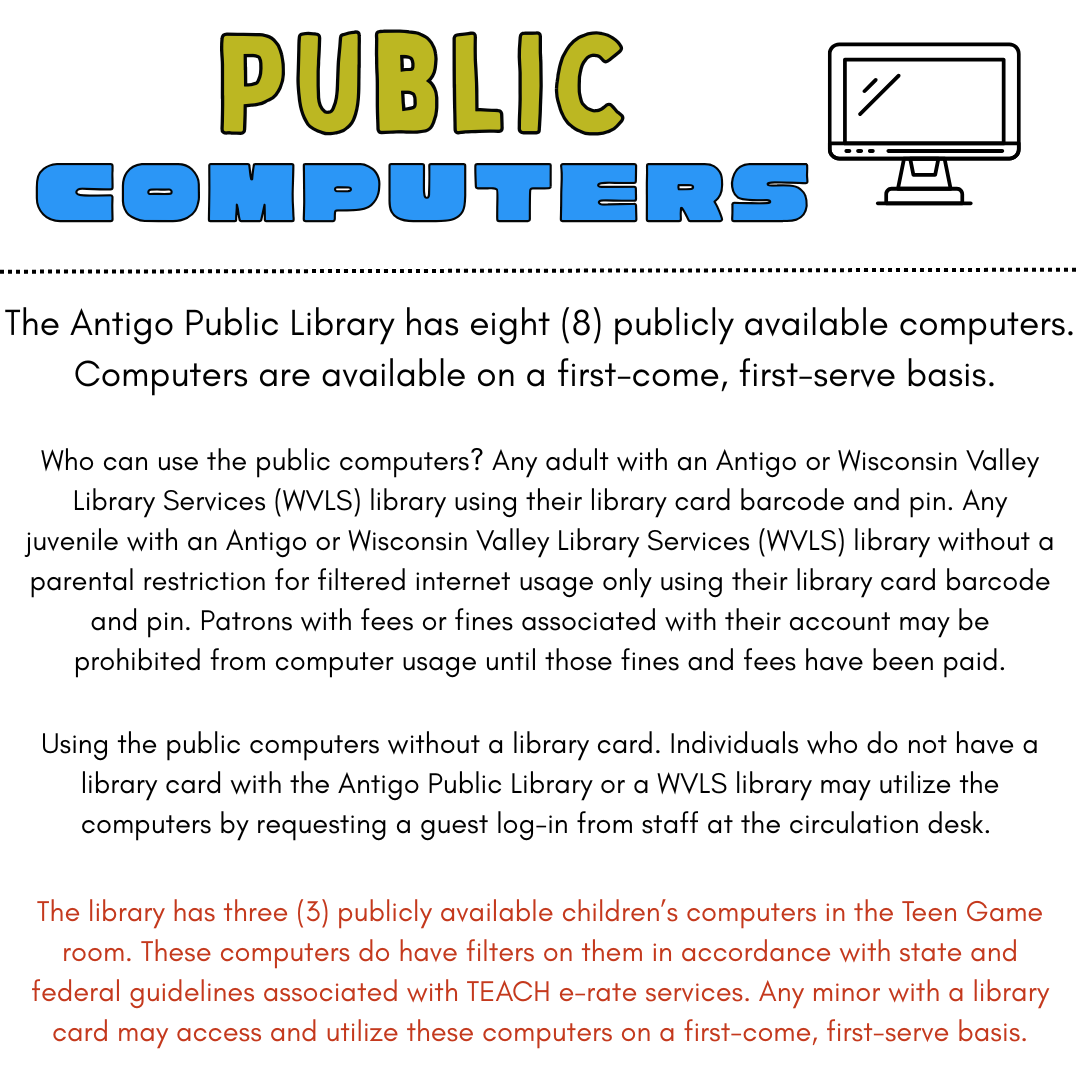
The Antigo Public Library has eight (8) publicly available computers. Computers are available on a first-come, first-serve basis. Who can use the public computers? Any adult with an Antigo or Wisconsin Valley Library Services (WVLS) library using their library card barcode and pin. Any juvenile with an Antigo or Wisconsin Valley Library Services (WVLS) library without a parental restriction for filtered internet usage only using their library card barcode and pin. Patrons with fees or fines associated with their account may be prohibited from computer usage until those fines and fees have been paid. Using the public computers without a library card. Individuals who do not have a library card with the Antigo Public Library or a WVLS library may utilize the computers by requesting a guest log-in from staff at the circulation desk. The library has three (3) publicly available children’s computers in the Teen Game room. These computers do have filters on them in accordance with state and federal guidelines associated with TEACH e-rate services. Any minor with a library card may access and utilize these computers on a first-come, first-serve basis.
Princh Smartphone example

Printer ID #104705

Print from anywhere.

Princh is a convenient app for those who want the convenience of printing at the library from a personal device.

No need to email us your file to have us print it.
You can access it all from Princh.

Payment for printing.
Princh users must pay for their printing at the library circulation desk before the Princh request is released for payment. The library accepts cash or checks for printing services. The library is unable to accept bills larger than $10.

Get started with Princh

  • Printing from your laptop. 

  • Go to your file and choose Princh as your “printer.”
  • Tap to select printer.
  • Enter the Library ID – (#104705).
  • Select “Public Printer.”
  • Choose your print settings: number of copies, print range, double sided printing and color or black and white printing.
  • Preview your print.
  • Select Print.
  • Check the box for “I accept the terms and conditions”.
  • Select “continue.”
  • Choose your payment:
    • pay using a payment card, pay with Paypal or pay at the Library Circ desk.
    • If you would like to pick up your print-out during curbside service, we ask that you do not select pay at the desk.
  • Type your full name and click ok.
  • Schedule a pick-up with one of our staff. 
Tech support offered by the Antigo Public Library free of charge includes basic phone, tablet and laptop support. Help with email, Facebook, other social media and phone apps. Microsoft office, online library catalog, printing and library online resources help are also offered at the library. We may be able to help with password recovery, however most steps to recover a password require access to a specific phone number or email address you have set up. Without access to either of those we will not be able to help with.

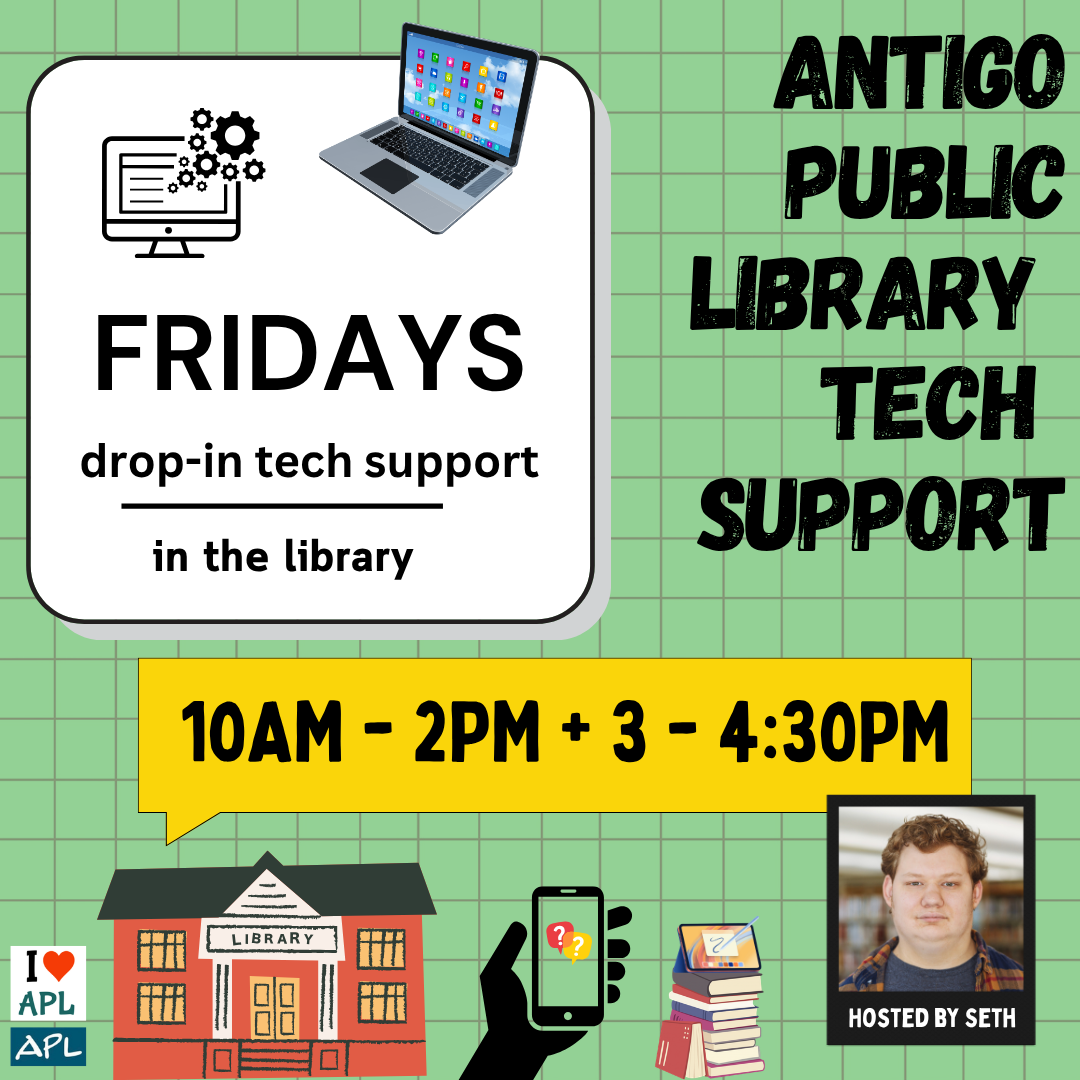
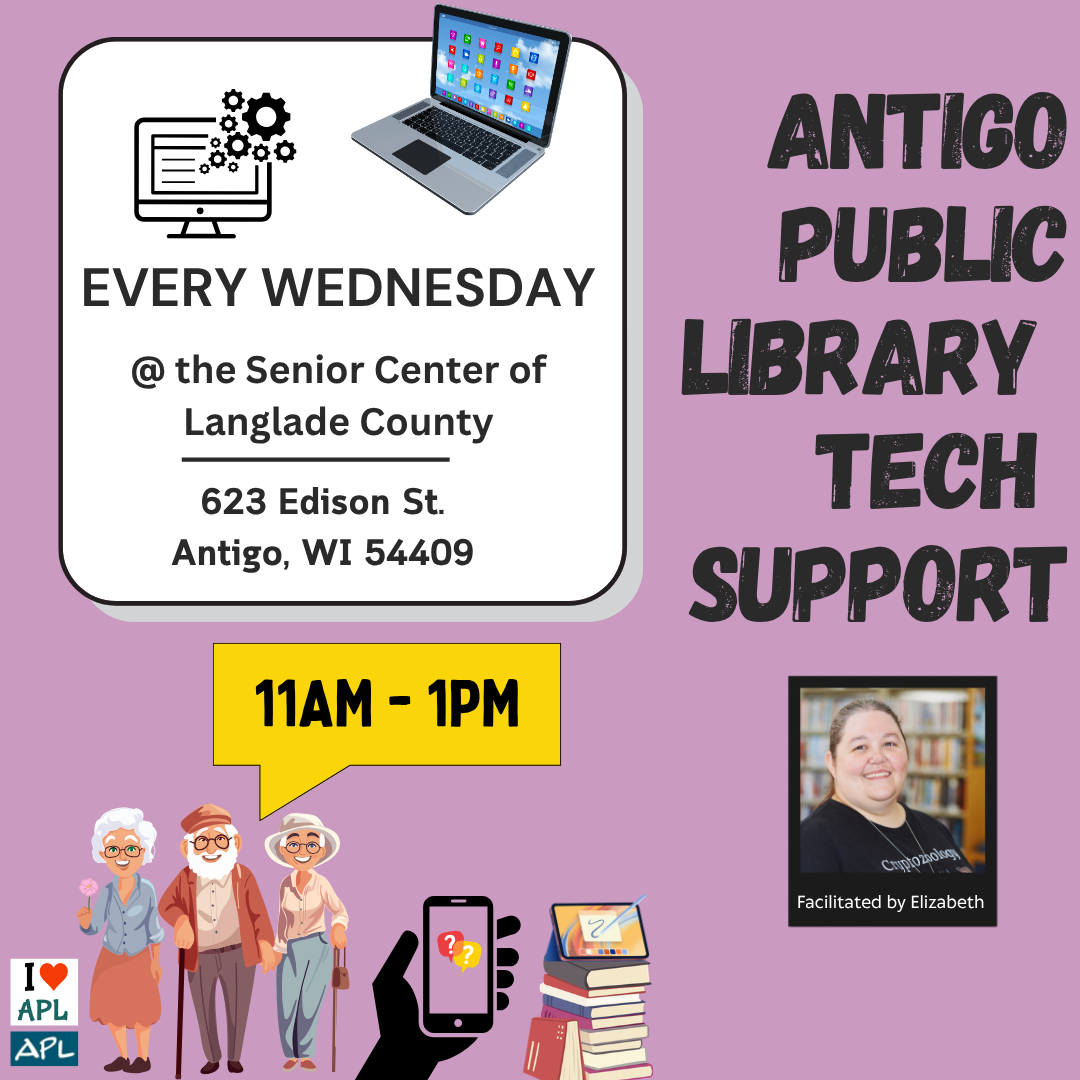
If tech help is needed, apart from printing or emailing files, patrons need to schedule an appointment with Seth or Elizabeth. Seth is available for 30-minute appointments from 3:00 PM to 5:00 PM on Mondays and 10:00AM to 2PM, and 3:00 PM to 4:30 PM on Fridays. Elizabeth is available for 30-minute appointments from 9:30 AM to 11:00 AM on Saturdays. Every Wednesday from 11:00 AM to 1:00 PM Elizabeth is at the Senior Center of Langlade County for tech help no appointment needed however there may be a small wait.

When you make a tech appointment please fill out the Tech Help form completely and leave up to date contact information and make sure your voice mail is set up so we can leave you a message if you cannot get to the phone. Please bring relevant username and password information with you to all tech help appointments.

Tech support with Seth Monday's in the library. Drop in hours 3pm - 5pm.
Tech Support at the Langlade County Senior Center Wednesdays from 11AM - 1PM with Elizabeth.
Tech support in the library with Seth on Fridays from 10AM - 2PM and from 3-4:30PM.